Flutter vs React Native: How I Choose, and When I Go Native
A decision guide, not a benchmark: one production Flutter app, React Native work that was brownfield, SDK and sample code, and the cases where I would not use either.
You have one app to build, two stores to ship it to, and a team that cannot write it twice. That is when Flutter vs React Native (or React Native vs Flutter, depending on which camp asks) comes up. The short answer, with the reasons below:
- Adding screens to a native app you already have: React Native.
- A new app, a team without a web background: Flutter.
- A new app, a JavaScript or React team: React Native, probably with Expo.
- The product lives inside one platform's features: neither. Go native.
My experience is uneven, so here it is up front. I shipped a production Flutter app to both stores. My React Native work was inside native apps, an SDK and a sample. I also ship native Android and iOS apps.
What I have actually shipped in each
Flutter. Carewell is a Swiss healthcare staffing app, live on Google Play and on the App Store. I was the main mobile engineer, with 539 commits between February and October 2026.
I also rebuilt the Android CI/CD and built the iOS release pipeline from zero, GitHub Actions to TestFlight and Play. It is a client repo, so I describe it and do not link the source.
React Native. My experience here is narrower:
- A public sample, ReactNativeShoppingApp, that runs on iOS and Android.
- One React Native component embedded inside the native Android app at Yahoo Sports. The app was native, and React Native was a part of it.
- A React Native SDK contribution at Portal, where the JavaScript API wraps a native Android SDK.
I have not taken a React Native-only app, Expo or not, through to a store release. Weigh the React Native parts below accordingly.
Flutter vs React Native: how each one draws the screen
Flutter draws its own widgets. Its architectural overview says: "Flutter has its own implementations of each UI control, rather than deferring to those provided by the system." On native platforms, "the Dart code that paints Flutter's visuals is compiled into native code, which uses Impeller for rendering."
Impeller is the default on iOS and on Android API 29 and up. On older Android versions, or devices without Vulkan support, the page says Impeller "falls back to the legacy OpenGL renderer."
React Native goes the other way. The core components page says: "At runtime, React Native creates the corresponding Android and iOS views for those components." A <View> maps to a ViewGroup on Android and a UIView on iOS.
Flutter owns the pixels; React Native owns the JavaScript and hands the pixels to the platform's views.
| Flutter | React Native | |
|---|---|---|
| Language | Dart | JavaScript (or TypeScript) |
| UI controls | Its own widget set, drawn by Flutter (Impeller where supported, OpenGL fallback on older Android) | Android and iOS views created at runtime |
| Calling platform code | Platform channels, Kotlin/Java and Swift/Objective-C | Native modules; JSI in the New Architecture |
Source for the table: the Flutter and React Native pages linked in this section, plus platform channels.
Flutter vs React Native performance
I have no benchmark to give you. I did not measure frame times or startup in either framework, and a number from someone else's app would not tell you much about yours. Here is what the docs claim.
For Flutter, Impeller's stated goals include predictable performance: it "compiles all shaders and reflection offline at build time". The architecture page adds that drawing everything itself lets Flutter "composite the entire scene at once, without transitioning back and forth between Flutter code and platform code."
For React Native, the New Architecture page says it "removes the asynchronous bridge between JavaScript and native and replaces it with JavaScript Interface (JSI)". With "a memory reference, you can directly invoke methods without serialization costs." It is the default from React Native 0.76.
Fabric, the new renderer, is described as "a conceptual evolution of the legacy render system." Those are design goals from each project. Whether they matter for your app is something to test yourself:
- Build the one screen you are most worried about (a long list, a map, a camera view) in both, as a release build.
- Run both on the slowest device your users actually have, not your own phone.
- Compare frame drops while scrolling, cold start time and install size.
If someone sends you a "Flutter vs React Native performance" chart without the device, version and screen, ask for them.
What my Flutter app needed from native code
The usual worry about a framework that draws its own UI is the moment you need something it does not have. So I counted what Carewell's own repo holds on each side:
| Measure (tracked files in the repo) | Count |
|---|---|
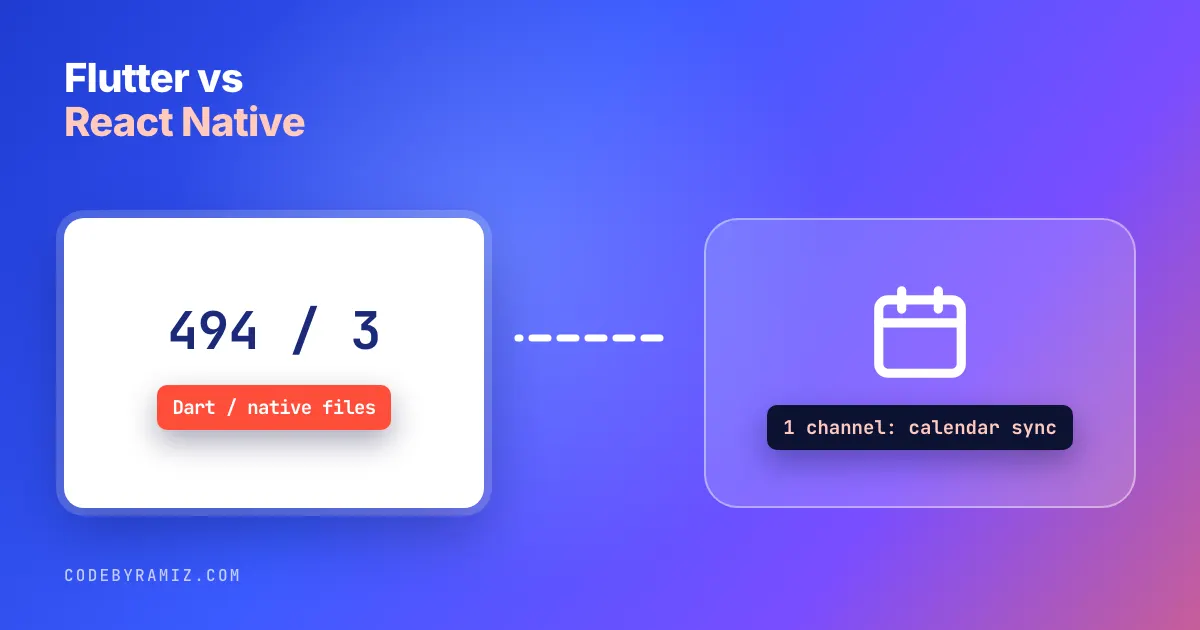
Dart files under lib/ | 580 (494 excluding generated .g.dart and .freezed.dart) |
Kotlin or Swift source files in android/ and ios/ that are part of the app | 3 (two MainActivity.kt files, one of them 5 lines, and AppDelegate.swift) |
| Custom platform channels | 1, for calendar sync, with a handler on each platform |
Counts cover the app's own tracked files only; native code inside plugins is not included. The app's own native layer is two activity files, one app delegate and one channel.
The rest of the platform reach comes from pub.dev plugins: firebase_messaging, permission_handler, device_calendar, webview_flutter and url_launcher, among others. Each of these ships its own Android and iOS code.
The calendar sync channel is Kotlin and Swift that the app owns. Flutter's docs say platform channels send messages "between Dart and a platform component written in a language like Kotlin or Swift". On this app, Dart alone was not enough. Both native platforms came into the app code and, even more, into the release pipeline.
React Native, brownfield, and Expo
The place React Native was easiest to justify in my own work is the one its docs lead with: adding to an app that already exists. The integration guide says it "also works well for adding a single view or user flow to existing native applications."
That is what the Yahoo Sports component was. The Portal work was the same idea in reverse: a React Native-facing SDK over a native Android SDK, where the work sat on the boundary between the two.
The Expo docs describe Expo as "a React Native framework that makes developing Android and iOS apps easier", with EAS as "a set of services that complement the Expo framework in each step of the development process." So Expo vs Flutter is not like-for-like: picking Expo is a React Native choice with a framework and build services on top.
When I skip cross platform app development and go native
The React Native vs native and Flutter vs Swift questions come down to the same list. I reach for native when:
- The app is mostly platform features. Widgets, background work, share extensions, Live Activities, system permissions. You write the native side anyway, and the cross-platform layer is just the shell.
- One platform is the product. If the business is an Android app, I build it in Kotlin and Compose. For iOS, Swift and SwiftUI.
- You need the newest platform API on day one. With a framework in between, you wait for the framework or write the bridge.
That covers React Native vs Swift, Flutter vs Swift and Flutter vs Kotlin. I ship my own apps this way: PlannedPing is native Android in Kotlin and Compose, and my iOS apps are Swift and SwiftUI. The iOS side is in SwiftUI vs UIKit: Counts From Eight of My iOS Apps.
The cost of going native twice is keeping two apps in step, which I wrote about in Your iOS and Android Apps Are Supposed to Be the Same Product. I have no data that native is cheaper or faster to build. It is what I pick when the platform is the product.
Flutter or React Native: why I choose this way
React Native is the one I would pick without more questions when a native app already exists and needs new screens. Its own integration docs are written for that case, and it is the case I worked in.
For a new app, the team decides it. A team without a web background gets one language and one widget set drawn the same on both platforms with Flutter, and I have shipped that to both stores.
A JavaScript or React team starts closer to React Native and Expo. That one is reasoning from the docs, not from a release I shipped, so treat it as a lead.
Whatever you pick, budget for the release pipeline. In Carewell, 36 of my 539 commits touched the CI and release configuration, and no store build went out without it. That part does not change with the framework, so decide who owns it before you choose.
If you want a second opinion on a specific app, or a rescue of one that is already half in a framework you regret, that is the work I do.
Framework quotes come from the official pages linked above, fetched 2026-10-28; repo counts were run the same day.
Keep reading
- SwiftUI vs UIKit: Counts From Eight of My iOS AppsNo verdict, only what the files say: one tally per framework, the UIKit types that still appear, and where the counts stop being useful.
- Before You Rewrite an Inherited App, Stabilize ItWhat twelve years of inheriting other people's mobile codebases taught me about the 'just rewrite it' reflex.
- Claude Code in Android Studio: The Editor Is the Easy PartThe plugin gives the agent diffs, your selection and lint. The phone is reached from the terminal, and that is where my agents' habits, my screenshots and my own guard hook surprised me.
- More on Android and iOS side by side →