How to Hire an iOS Developer: What to Check Before You Pay
Three checks before hiring: who built the apps on the CV, how builds reach TestFlight, and where the upload keys will live. Plus the one thing to set up before any money moves.
You need to hire an iOS developer to build, finish or rescue an iPhone app, and you have a shortlist. Every profile has App Store links and every one of them knows Swift. Portfolios, reviews and a coding test all help; this piece adds checks for the parts of iOS work those don't show.
I'm one of the people you could hire for this, so treat it as the list I'd want you to run on me. Each check comes from something that went wrong on an app I worked on.
Why a portfolio isn't enough on its own
A hiring mistake doesn't always show in the first weeks. It can show months later, when a release won't go out, or when the developer leaves and the Apple account or the upload keys turn out to be theirs. Then you pay for recovery on top of the build.
Check 1: who actually built the apps they show you
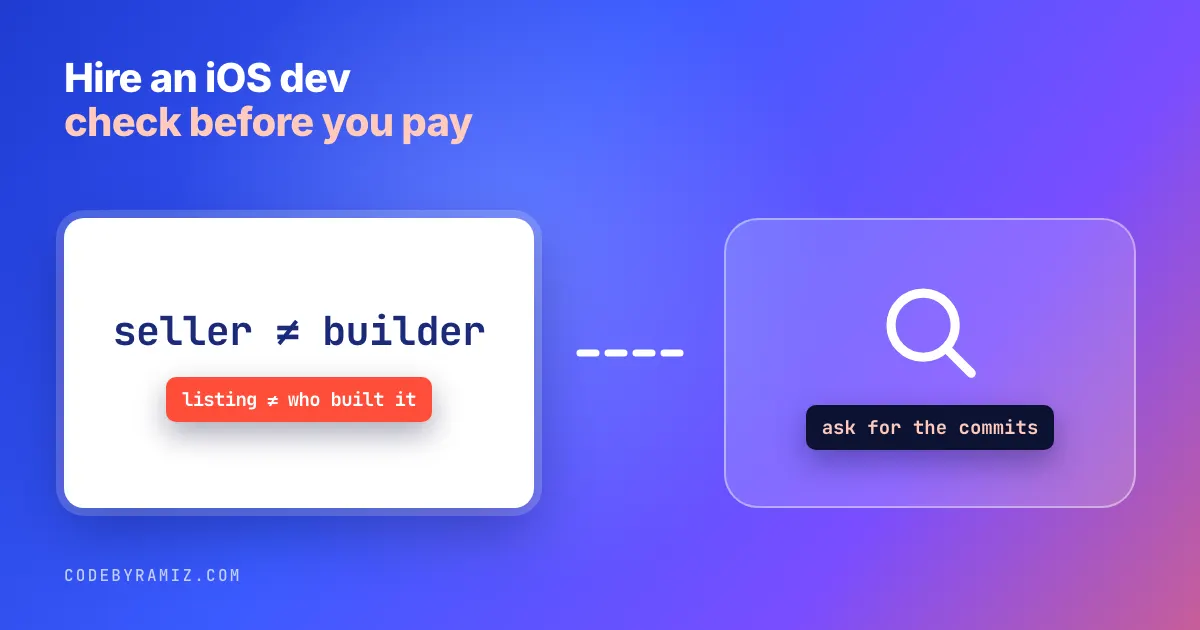
An App Store link is the most common proof an iOS developer offers, and it proves less than it looks. The listing identifies the seller, an individual or an organization, not the people who built the app.
You can see this yourself. Apple's public lookup, https://itunes.apple.com/lookup?id=<app id>, returns a sellerName field; the id is the number after id in the App Store URL. Add &country=fr (or the right storefront) for an app not sold in the US. Here is what it returns for the apps I'd put on my own CV:
| App (lookup id) | sellerName | My part in it |
|---|---|---|
| ClickPing (6786285130) | Ramiz Raja | Built and publish it |
| LeadPing (6789097503) | Ramiz Raja | Built and publish it |
| ResizePing (6805984036) | Ramiz Raja | Built and publish it |
Carewell (6752608566, country=fr) | Carewell SA | Main mobile engineer |
| Unified Remote (825534179) | Unified Intents AB | Took over the Android and iOS apps |
For the two client apps the listing can't show that I built anything, and for my own three it only shows that I publish them.
That's normal: the client owns its app. It also means anyone can put Carewell on a CV. So for any app on the CV, ask for a way to verify the contribution: commit history on that project, even as a screenshot with the code hidden; their role in that team's App Store Connect; or a reference at the company. Access gets revoked and contracts restrict what can be shown, so a missing answer is an open question, not proof of a lie.
Then download the app and finish its main task yourself. Mine are on pingappslab.com.
Check 2: how their builds get to TestFlight
Writing screens is the part everyone can show you. Getting a signed build to TestFlight and then the App Store, reliably, decides whether you can release.
On Carewell, every iOS upload to TestFlight started failing. A GitHub Actions workflow built the develop branch and uploaded it, and Apple refused every build. My fix's commit message records the error:
altool rejected every upload with a 409 VALIDATION_ERROR: CFBundleShortVersionString must be higher than the approved version.
From my own commit fixing it, not a raw log. The build's version number was lower than one Apple had already approved.
The cause was a GitLab CI job that merged main back into develop after each release. It used git merge -X ours, which keeps develop's side of any conflict, on the assumption that develop is always ahead. A production release had moved main's version past develop, and -X ours quietly kept the older number.
The fix added a check after the merge: if develop's version isn't above main's released version, set it to the next patch above. Nothing in the app's code was wrong. I had built that pipeline, so I knew to look at the merge job rather than the app. That's the experience to look for.
Ask the candidate: "On your last app, what happened between merging a change and testers getting it?" A good answer names the tools, says where signing certificates and upload keys live, and describes one time it broke. If they upload from Xcode by hand, ask whether someone else could produce the same signed build without them.
Check 3: where the upload keys will live
The third check came from a handover. A healthcare marketplace had been built by an agency, and I took it over in-house. In the first week I found ios/fastlane/AuthKey.json committed to the repository: the App Store Connect API key the pipeline uses to upload builds. Anyone who could read the code could upload builds to the business's account.
I replaced the committed values with references the CI system fills in from its secret store, and gave the pipeline its own bot identity so automated commits point to the pipeline, not a person. Git still held the old key in its history, so the complete fix is to revoke it and issue a new one. For a team key, that takes an Account Holder or Admin on the business's own Apple account. With the pipeline cleaned up in week one, the first release after the handover went out about two weeks after I started. The longer story is in what an app handover should leave you holding.
Ask the candidate where they'll keep the signing certificates and the App Store Connect API key. "In the CI secret store, on your account" is the answer you want. "In the repo, it's simpler" is the thing you'll pay to undo.
Ask about App Review too
Apple reviews every release. My own ClickPing was rejected under guideline 4.2.3(i), the rule that an app must work without another app installed. My first fix added a full standalone path, and it was rejected again. Investigating, I found the first screen still led with an install prompt for WhatsApp. After I changed that screen and appealed with screenshots, it was approved. The full story, including what Apple's text didn't say, is in the 4.2.3(i) rejection and fix.
Ask: "Tell me about an App Store rejection, or how you prepared a submission so it passed." Listen for whether they looked for the cause on the device or argued with the reviewer.
Before you pay anyone: own the Apple account yourself
Enroll in the Apple Developer Program as an organization, with someone from your business as the Account Holder. Then invite the developer in App Store Connect under Users and Access, with a role such as Developer or App Manager. Don't let them publish your app from their own account "to save time."
If they leave, you remove one user and the app, its reviews and its subscriptions stay put. If the app sits in their account, getting it back means an app transfer, which needs their co-operation. The same goes for the code repository, the signing certificates and the analytics accounts. Put it in the contract too: the code and IP are assigned to you, and at the end the developer hands back access and removes their own keys.
How to find an app developer worth checking
Look at apps in your category made by small teams; many listings link to the developer's website. Ask founders who shipped an iOS app which developer they'd hire again. Freelance marketplaces work too, if you run the checks instead of trusting the profile.
A freelancer or an agency can both work. With an agency, ask who will actually write your code and run check 1 on that person, not the agency's portfolio. If you already have an Android app or plan both, a Flutter or React Native developer can cover iOS; checks 2 and 3 still apply, because their builds still go through TestFlight and App Review.
Before a big contract, consider a small paid task: a long-open bug, or one small feature through to a TestFlight build. If the SwiftUI or UIKit question comes up, my counts from eight of my own iOS apps on SwiftUI vs UIKit show what a current codebase mixes.
What to check before you pay: the short list
| Check | What to ask for | Good sign |
|---|---|---|
| Apps on the CV | Commits, App Store Connect role or a reference | Something you can verify, or a clear reason why not |
| The apps themselves | The App Store link | You can finish the main task |
| Release pipeline | How a change reaches testers | Names the tools and one failure |
| Upload keys | Where certificates and API keys live | Your CI secret store, not the repo |
| App Review | A rejection or a clean submission | Looked for the cause, didn't argue |
| Ownership | Your organization's Apple account | They expect an invite, not your password |
Frequently asked questions
Should I hire a freelance iOS developer or an agency?
Either can work. Ask who on the agency's team will write your code, and check that person's work, not the agency's portfolio.
Do I need an iOS developer, or will a cross-platform developer do?
If you have an Android app or plan both, a Flutter or React Native developer can cover iOS. The TestFlight, key and App Review checks still apply.
Hiring because your app is already stuck?
If your app already exists and is stuck, with a release that won't go out, a developer who left or a codebase nobody wants to touch, that is the work I do on app rescue: a short diagnostic first, then a fix or a takeover until your permanent hire starts.
Keep reading
- Your App Should Still Be Yours When the Developer LeavesMost handovers get the code across. The things that decide whether someone else can ship next week are the history, the keys, and whose name is on the accounts.
- Claude Code Plan Mode, and the Second Reader It Doesn't HaveThe docs answer first, then what plan mode can't do for me: a second model approving the plan, and a different agent running it.
- OpenCode vs Claude Code: Which to Pick, With 50 Logged TasksA feature table from the official docs, a pick-this-if list, and what 50 logged OpenCode tasks did next to my 20 Claude Code ones.