Claude Code Subagents: When One Beats Doing It Inline
What a subagent is, how to define one, when to delegate and when to stay inline, and the brief I hand over.
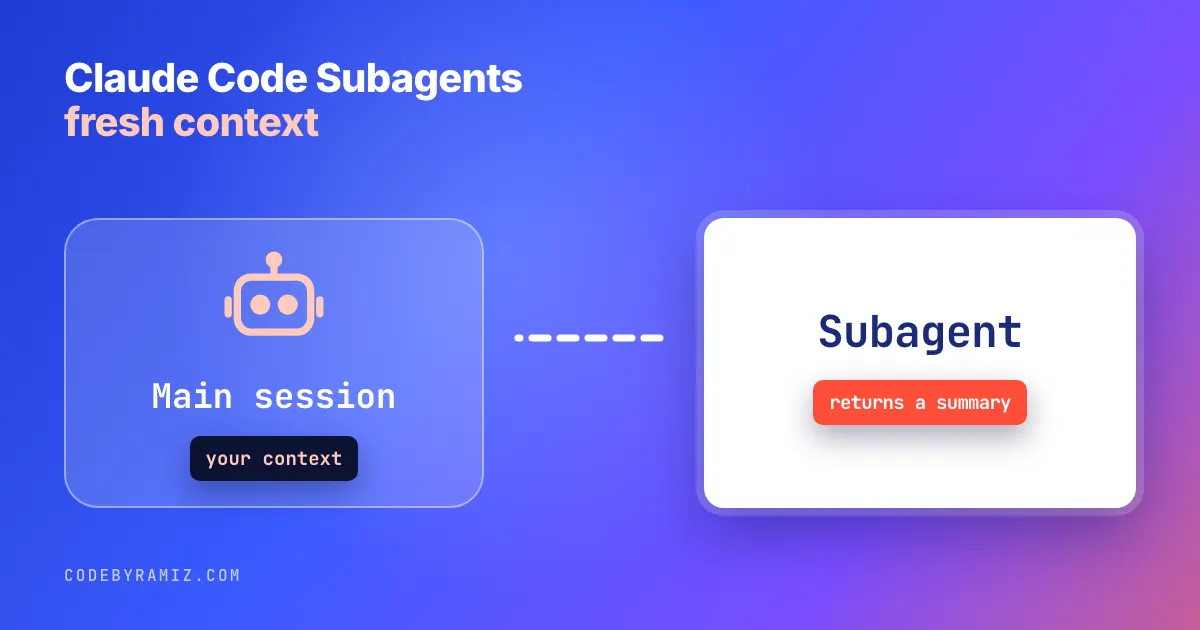
Claude Code subagents beat doing it inline when the work is verbose or self-contained and a summary is all you need back. Stay inline when the task needs you steering it step by step. The case I can show first-hand: I write a post, render it to page text, and want a fresh opinion on whether it reads well. If the session that wrote the piece also reviews it, the review is contaminated by what I intended. So I hand a bounded brief to a fresh Sonnet subagent: read one file, the rendered page text, and answer six questions as a stranger would. It never sees the writer's notes and returns a PASS or FAIL line plus fixes. That is the first-hand case I can show, and it is what Claude Code subagents are for: a separate context window with its own system prompt, tool access and permissions, so the reviewer judges the page, not my intent.
The check earns its keep. The first revision of my Codex reviewer post failed it because the page did not answer what a searcher would want; a later revision, read by a fresh agent, passed.
My takeaway from that one case: box up the noisy work and take back a summary, and keep the steering inline.
What a subagent actually is
Per the official sub-agents documentation, "Subagents are specialized AI assistants that handle specific types of tasks." Each one "runs in its own context window with a custom system prompt, specific tool access, and independent permissions." Concretely, a subagent gets its own context window, its own prompt, its tools, and its permissions, and it returns only the summary of its work to the main conversation. The main thread keeps its context clean; the detail stays in the subagent.
Invocation is flexible: automatic delegation when a task matches a description, a natural-language request ("Use the test-runner subagent to fix failing tests"), an @-mention, or a whole session started with claude --agent <name>. There is also the Agent tool, renamed from the Task tool in version 2.1.63, per the same docs. You can block a specific subagent with permissions.deny using Agent(name).
Claude ships built-ins: Explore (read-only, Write and Edit denied), Plan (research during plan mode), and general-purpose (complex multi-step work needing exploration and action), plus statusline-setup and claude-code-guide.
Defining one: the file, the frontmatter, the scope
A subagent is a Markdown file with YAML frontmatter; the body is the system prompt. Only name and description are required, per the docs. Our own setup defines no custom .claude/agents files, so the definition below is the docs' example, not mine. It shows that a working subagent is four frontmatter lines plus a prompt:
---
name: code-reviewer
description: Reviews code for quality and best practices
tools: Read, Glob, Grep
model: sonnet
---

You are a code reviewer. When invoked, analyze the code and provide specific, actionable feedback on quality, security, and best practices.
That is the whole shape. The description is what drives delegation: Claude reads descriptions to decide when to hand work over, so the description has to say when the subagent applies, not just what it is. The other fields worth knowing, per the docs: tools (inherits every tool available to subagents if omitted), disallowedTools, model (sonnet, opus, haiku, a full id, or inherit), permissionMode, maxTurns, skills, mcpServers, hooks, memory, background, effort, and isolation (worktree). Unknown fields are ignored without an error; name is capped at 256 characters.
Where the file lives sets its scope and priority, high to low: managed settings at the organisation level, the --agents CLI flag for a session, .claude/agents/ in the project, ~/.claude/agents/ across all projects, and plugin agents/ directories. If two define the same name, the higher priority wins, as the docs state.
When Claude Code subagents beat doing it inline
The docs' criteria are a sound default. Stay inline for a quick, targeted change, or when the task needs frequent back-and-forth or iterative refinement. Delegate when the task produces verbose output you do not need in your main context, when you want to enforce specific tool restrictions or permissions, or when the work is self-contained and can return a summary, per the docs.
The docs split the choice on context: delegate what returns a summary, keep iterative work inline.
| Subagent | Inline | |
|---|---|---|
| Context | Fresh, isolated window; returns a summary | Shared with the main conversation |
| Best for | Verbose or self-contained work that can return a summary; enforcing tool restrictions | Quick, targeted changes; frequent back-and-forth or iterative refinement |
The reader-review step is the verbose case: the rendered page is long, the review is self-contained, and all I need back is a verdict and fixes. A task that needs steering at each step is the inline case.
Foreground subagents block the main conversation and pass permission prompts through. Background subagents run concurrently, but they get a smaller built-in tool set than foreground subagents, per the docs. Nesting is allowed by default up to three layers below the main conversation; CLAUDE_CODE_MAX_SUBAGENT_SPAWN_DEPTH controls it, and setting it to 1 turns nesting off, as the docs note.
The bounded brief I hand over
The brief is the part that makes the isolation useful. I give the subagent four things: the goal, the files to read, what to return, and what it must not do. For the reader gate that is "read this one rendered page-text file, answer these six questions as a stranger, return PASS or FAIL plus fixes, do not read the writer's notes or the draft." The reviewer is a separate seat from the writer, the same split I describe for two sessions sharing a repo in How I Review AI Changes in a Production Mobile App and in Don't Trust an Agent That Says the Tests Passed.
What I take from it
Subagents keep noisy, self-contained work out of the context that has to stay sharp, and restrict what a delegate can touch. Use one when the output is verbose and a summary will do; stay inline when the work needs you in the loop. The bounded brief is the part you control.
A subagent's requests still draw on your plan, so Claude Code pricing is worth reading alongside this, and Claude Code hooks covers guards you can hang on events.
Keep reading
- Gemini CLI vs Claude Code: What I Can and Cannot Say From My LogsA correction first: none of my logged runs used Gemini CLI. Here is what the Gemini rows are, what the two tools' docs say, and a dated tally with its limits.
- Using Codex as the Read-Only Reviewer for Claude CodeNot a benchmark: Claude Code writes and orchestrates, Codex reviews. The split, the verdict contract, and one case where the gate said no.
- CLAUDE.md File: What to Put In It and What to Leave OutWhat a CLAUDE.md file costs, what the docs say belongs in it, and the size history of mine: 3,639 words, then 512, then 9,555.